Almost every app, website, and online service now asks for a phone number before it lets you in. Most of the time that number is only used once - to send you a one-time SMS verification code. Handing over your real mobile number for a single code means more spam calls, more marketing texts, and one more database that can leak your identity.
A temporary phone number solves this. You generate a disposable number online, use it to receive the verification SMS, and move on - your personal number stays private. This 2026 guide walks you through exactly how to generate a temporary phone number for SMS verification, how to use it on popular apps, and how to stay on the right side of each platform's rules.
What is a temporary phone number?
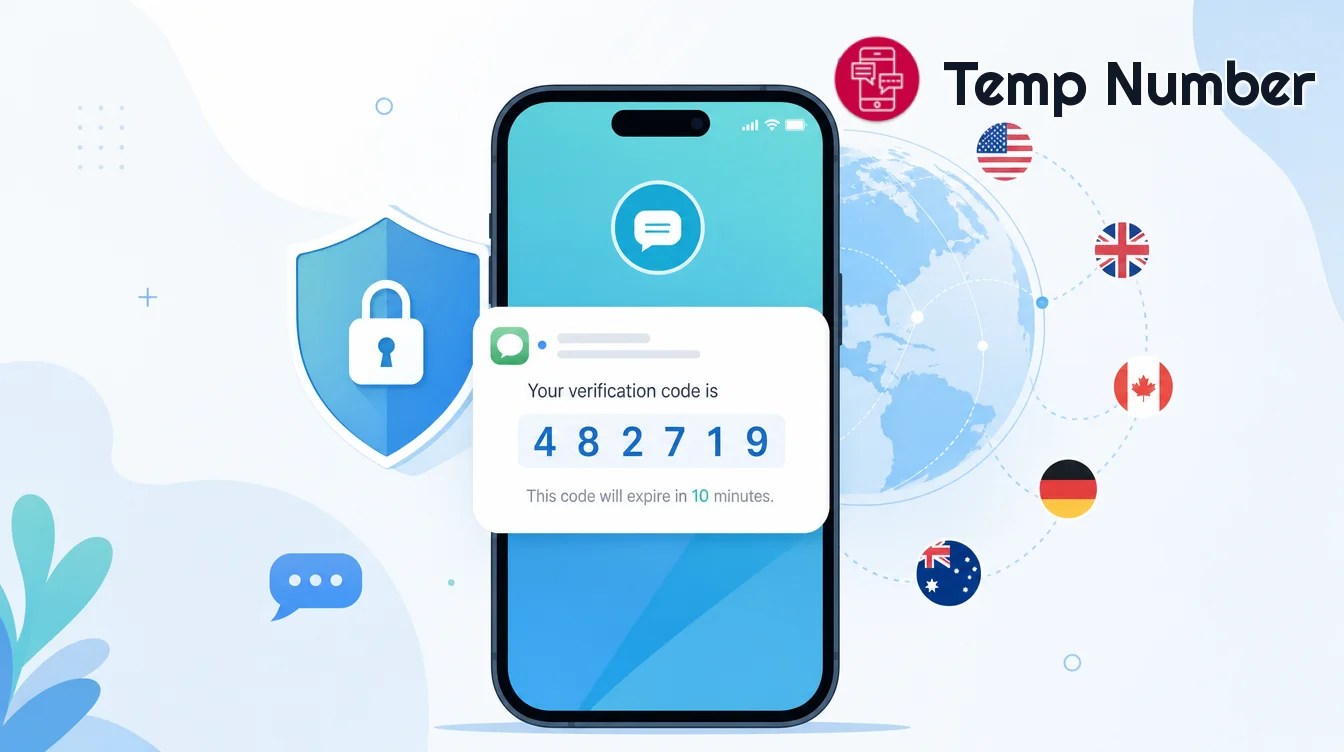
A temporary phone number (also called a disposable, throwaway, or virtual number) is a real, working phone number that you use for a short time to receive SMS online without linking it to your identity. Instead of buying a SIM card, you pick a number from a web service, read the incoming messages in your browser, and let the number expire when you are done.
These numbers are typically hosted on virtual or VoIP infrastructure rather than a physical SIM. If you want the deeper distinction, we cover it in Virtual Phone Number vs. Real SIM Card and What Is a VoIP Number and Why Do Some Apps Block It.
Common, legitimate reasons people use them include:
Protecting privacy when signing up for a newsletter, forum, marketplace, or free trial.
Testing your own app's SMS or OTP flow as a developer or QA tester.
Avoiding spam from services that sell or leak contact details.
Separating a throwaway online identity from your primary phone number.
How to generate a temporary phone number online (step by step)
The fastest way is a web-based service - no app install, no registration. Here is the standard flow using Temp Number's free virtual number generator:
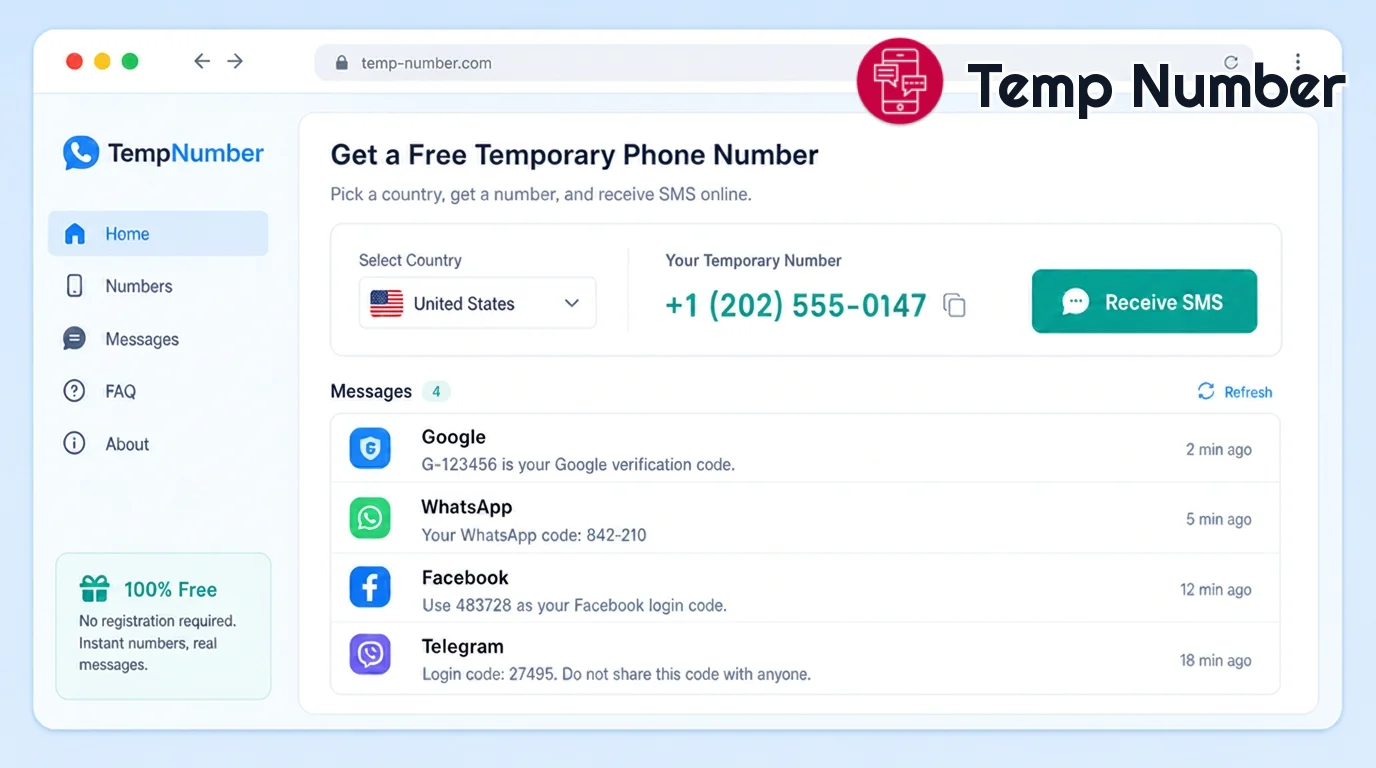
Open the generator. Go to the temporary number generator or browse all available free numbers. Nothing to download.
Pick a country. Choose a number from the country list that matches the service you are verifying - for example a United States number or a United Kingdom number. Some platforms only accept local numbers.
Copy the number. Copy the displayed number and paste it into the app or website that is asking for verification.
Request the code. Trigger the "Send code" / "Verify" button on that service.
Read the incoming SMS. Come back to the number's page and refresh the inbox. The verification code arrives in seconds and appears right in your browser.
Enter the code and finish. Type the code into the app. Done - your real number was never involved.
Tip: Open the number's inbox before you request the code so you catch it the moment it lands. Public numbers are shared, so refresh promptly.
How to use the number for SMS verification on popular apps
Most services follow the same "enter number → receive code → confirm" pattern, but a few have quirks:
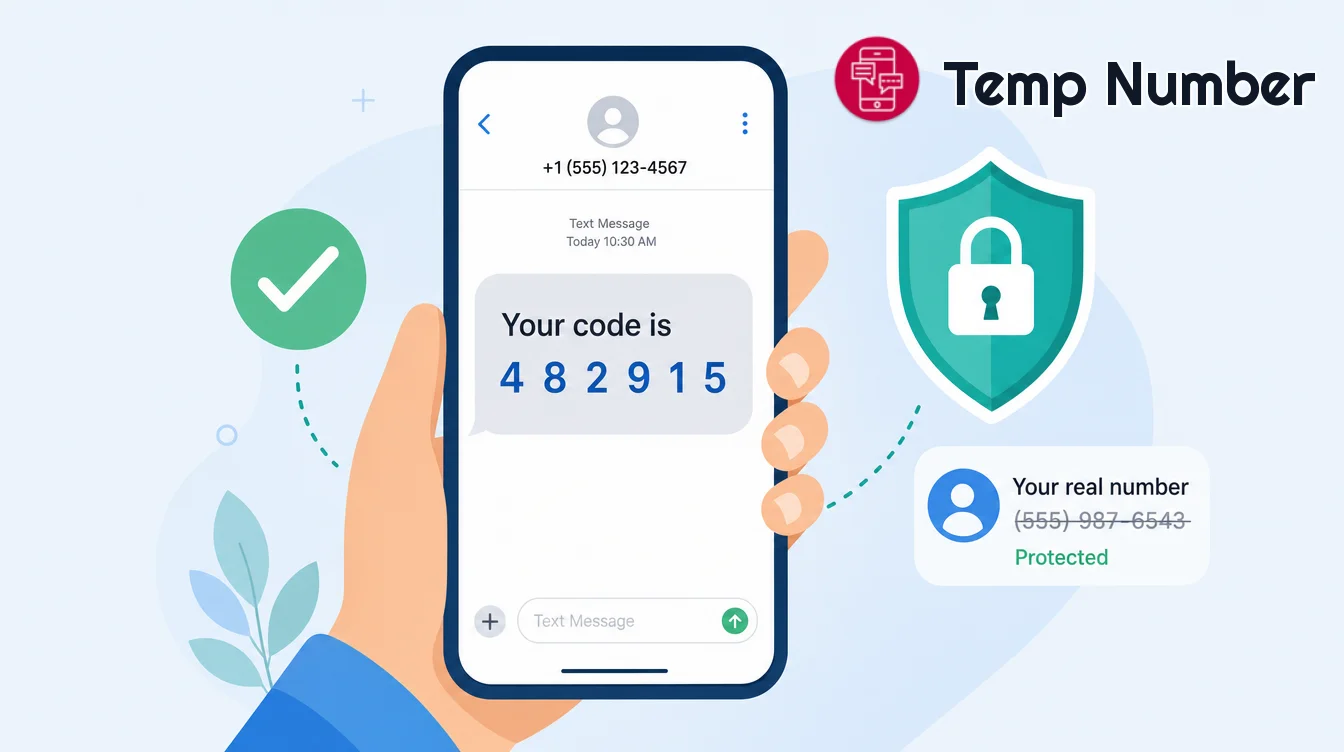
Messaging apps - See our dedicated guides for a temporary number for WhatsApp and a temporary number for Telegram. These apps sometimes reject numbers that have been reused many times, so pick a fresh one.
Social networks - For sign-ups like a temporary number for Facebook, request the code quickly after entering the number.
Email & general accounts - Most email providers and web services accept any number that can receive an SMS; a standard mobile-type number works best.
If a code does not arrive within a minute or two, the number may already be in heavy use. Simply pick another number from the list and try again.
Temporary vs. virtual vs. real SIM numbers
Not every "phone number" behaves the same way. Here is how the main options compare for online verification:
| Number type | Best for | Privacy | Cost |
|---|---|---|---|
| Temporary / disposable (web) | One-off sign-ups, quick SMS verification | High - not tied to you | Free |
| Dedicated virtual number | Ongoing accounts you revisit | Medium-high | Low subscription |
| Real SIM card | Primary personal & banking use | Low - tied to your identity | Monthly plan |
For a full breakdown of when each makes sense, read Virtual Phone Number vs. Real SIM Card.
Privacy, safety, and responsible use
Temporary numbers are a privacy tool, and using them responsibly keeps them working for everyone:
Public numbers are not private inboxes. Anyone can view messages sent to a shared number, so never use one for sensitive accounts like online banking, your primary email, or government services.
Don't rely on one for long-term access. Disposable numbers expire and get recycled. If you need to recover an account later, use a number you control.
Follow each service's terms. Use temporary numbers for legitimate privacy and testing - not to evade bans, create fake or fraudulent accounts, or abuse a platform.
Messages are ephemeral. On Temp Number, incoming messages are automatically deleted after a short period and no personal data is stored.
Frequently asked questions
Is generating a temporary phone number free?
Yes. You can generate a number and receive SMS online for free with no registration. Dedicated private numbers are available as a low-cost upgrade when you need one that isn't shared.
Can I receive SMS verification codes without a SIM card?
Absolutely. That is the whole point - the number lives on a web service, so you read the incoming code in your browser without any SIM, app install, or sign-up.
Why didn't my verification code arrive?
Public numbers are shared and can be busy, or a platform may block a heavily reused number. Refresh the inbox, wait a minute, and if nothing comes, choose a different number from the country list.
Will WhatsApp or Telegram accept a temporary number?
Sometimes. These apps are stricter about reused numbers. Pick a fresh one and follow our step-by-step WhatsApp and Telegram guides for the best results.
Is it legal to use a temporary phone number?
Using a temporary number for privacy, spam avoidance, or testing is legal in most places. What matters is how you use it - always follow the terms of the services you sign up for and never use a number for fraud or to bypass a ban.
Get your temporary phone number now
Generating a temporary phone number for SMS verification takes under a minute and keeps your real number out of yet another database. Pick a country, copy the number, receive the code, and you're verified - privately.
Ready to start? Head to the free temporary number generator and get a number now.