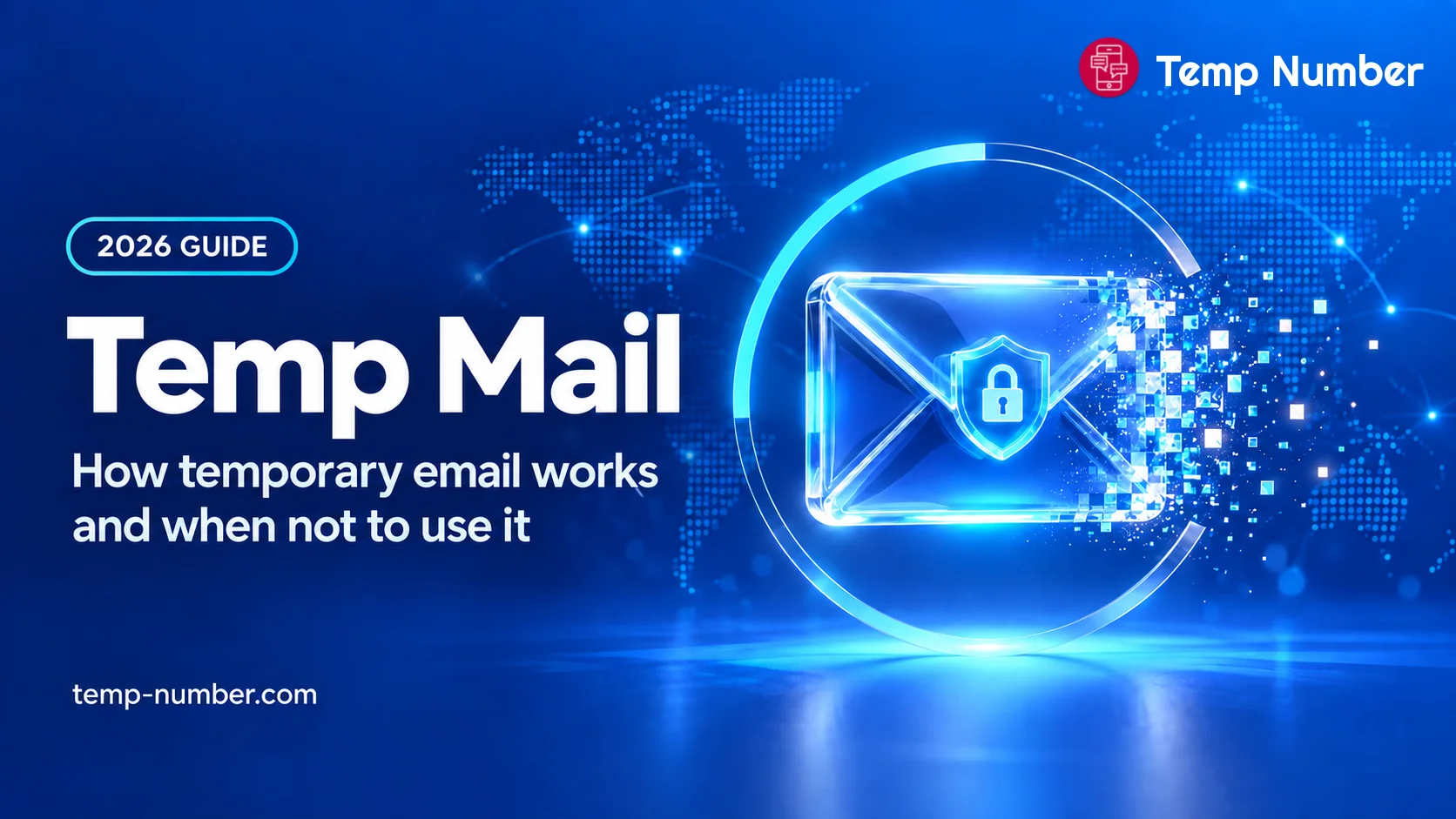
Every sign-up form asks for an email address, and every address you hand over can end up on a marketing list, in a data breach or in a tracking profile. Temp mail, short for temporary email, is the quick fix: a working inbox you use for a few minutes and then forget. It is genuinely useful, but it has limits that catch people out, usually at the worst moment, when they need to reset a password.
This guide explains how temporary email works, the different kinds, when it is the right tool and when it is not. If you just need a throwaway inbox right now, Mail Vanish, our free temp mail service, gives you one in a single click.
What is temp mail?
Temp mail is an email address that a website creates for you on the spot, with no sign-up, so you can receive messages without giving out your real address. You open a temp mail site, it shows you a random address, and anything sent to that address appears on the page. After a set time, or when you close the tab, the address and its messages are gone.
You will also see it called temporary email, temp email, temporary mail, disposable email, throwaway email, burner email or fake email. They all describe the same idea: an address you do not plan to keep.
How a temporary email generator works
The service runs its own domains. A temporary email generator operates mail servers for a set of domains and accepts mail for any name on them.
You get a name on one of them. The generator picks a random name, or lets you type one, and shows you that inbox.
Mail appears in your browser. Messages sent to the address show up on the page, usually within seconds.
The address expires. Depending on the service, the inbox is wiped after about 10 minutes, an hour or a day.
Because nothing ties the inbox to you, there is no password. On many services, anyone who types the same address sees the same messages.
Types of temporary email
| Type | How long it lasts | Good for |
|---|---|---|
| 10 minute mail | About 10 minutes, sometimes extendable | One confirmation link |
| Disposable inbox (temp mail sites) | A few hours to a day | A short task with a few messages |
| Public inbox services | Until the service clears it, and anyone can read it | Testing, never anything private |
| Plus addressing and aliases | As long as your main account | Sorting mail and spotting who shared your address |
| Private email address (a second inbox) | As long as you keep it | Accounts you want to keep, password resets included |
When temp mail is a good idea
Downloading a guide, coupon or report that sits behind an email form.
Reading an article or forum thread that asks you to register first.
Trying a website once to see what it is like.
Getting a one-time confirmation link for something you will not use again.
Keeping a newsletter you only need once out of your main inbox.
Try Mail Vanish, our free temp mail
We run our own temporary email service, Mail Vanish, built around the problems in this guide. Open the page and an address is already waiting for you: no sign-up, no password, no personal details.
Choose your address. Keep the random one, or set your own prefix and pick from several domains, so a blocked domain is never a dead end.
Mail arrives live. Verification codes and links show up within seconds, and attachments up to 25 MB are supported.
Trackers are blocked by default. Remote images and tracking pixels do not load unless you allow them, and scripts are stripped from every message.
Burn it when you are done. One tap deletes the address and every message in it. If you forget, messages delete themselves after 24 hours, and an address that gets no new mail for 7 days is removed.
Prefer a countdown? 10 minute mail self-destructs on a timer.
Like any free temp mail, these inboxes are for throwaway sign-ups, because anyone who knows a public address can open it. For an address you want to keep, Mail Vanish Private Emails gives you permanent addresses on premium domains, a PIN-protected inbox and forwarding to your real email.
When you should not use temp mail
Accounts you want to keep. Once the address expires you cannot receive a password reset or a sign-in code, so the account is effectively lost.
Purchases and subscriptions. Receipts, refunds, warranty claims and cancellation links all go to that address.
Banking, payments, crypto, government and health services. These need an address you control for the long term, and most of them refuse temporary domains anyway.
Anything personal. On a shared inbox, other people can read what was sent to you, codes and links included.
Getting around a site's rules. Using throwaway addresses for repeat free trials or to dodge a ban breaks most sites' terms and can get accounts closed.
The risks of temporary email
Shared inboxes are not private
Many free temp mail services do not protect the inbox with a password. If someone else opens the same address, they see your messages, including verification links that can be used to take over the account.
Account recovery stops working
Most sites send password resets and new device codes by email. When your temporary address is gone, so is that way back in.
Sign-ups get blocked
Websites keep lists of known disposable email domains and refuse them at sign-up. Popular temp mail domains land on these lists quickly, which is why a temp mail address often fails exactly where you wanted to use it. A service with several domains helps: on Mail Vanish you can switch to another domain from the picker and try again.
Ad-heavy and fake temp mail sites
Some temp mail sites are thin wrappers full of aggressive ads and fake download buttons. Stick to well-known services, and never type a password or card number into a temp mail page.
Temp Gmail: dots and plus addressing
If you use Gmail, you already have something close to extra addresses. Gmail ignores dots in the name part of gmail.com addresses, so [email protected] and [email protected] reach the same inbox. You can also add a plus sign and any word, such as [email protected], and the mail still arrives, tagged so you can filter it.
That is handy for sorting mail and for spotting who shared your address, but it is not private: anyone can delete the part after the plus sign and write to your real inbox. Some sites also strip or refuse plus addresses.
Temp mail vs a private email address
If you want privacy but also want to keep the account, a temporary inbox is the wrong tool. A private email address is a second inbox that only you can open and that stays available for as long as you need it.
| Temp mail | Private email address | |
|---|---|---|
| Who can read it | Often anyone with the address | Only you, after you sign in |
| How long it lasts | Minutes to a day | As long as you keep it |
| Password resets | Impossible once it expires | Work as normal |
| At sign-up | Often refused | Usually treated like any other address |
| Cost | Free | Free or paid, depending on the provider |
At Temp Number, every number you rent comes with its own private email address, so codes sent by SMS and by email land in the same dashboard. It is built for accounts you plan to keep, not as a throwaway inbox.
Need a phone number as well?
More and more sites ask for a phone number on top of an email address. The same logic applies: a free public number is fine for a quick code you do not mind others seeing, while a private number keeps the code to yourself and stays available for later security checks.
Free temporary phone numbers for quick, non-sensitive SMS codes.
Rent a private number for days or months, with a private email address included.
How to get a temporary phone number for SMS verification, step by step.
How to use temp mail safely
Use it only for things you would not mind losing.
Never use it for banking, payments, work or government services.
Do not reuse a temp mail address for anything else.
Open verification links straight away, before the inbox expires.
Never type a password or card details into a temp mail site.
If you decide to keep an account, move it to an address you control.
Temp mail FAQ
Is temp mail legal?
Using a temporary email address is legal in most places. What matters is how you use it: a throwaway address does not make fraud, abuse or breaking a site's terms acceptable.
Is temp mail safe?
It is fine for low-risk tasks such as downloads and one-off sign-ups. It is not safe for anything personal, because many inboxes are shared and the address disappears.
How long does a temporary email last?
It depends on the service: around 10 minutes for 10 minute mail, and up to a day or so on most temp mail sites. Some let you extend the time.
Can I receive verification codes with temp mail?
Yes, as long as the site accepts the domain and you read the code before the inbox expires. Many popular sites block known temp mail domains.
Can I send email from a temp mail address?
Usually not. Most temporary email services only receive mail.
What is the difference between temp mail and a private email address?
Temp mail is short-lived and often shared. A private email address is a second inbox that only you can open and that stays available, so you can keep the accounts you create with it.
The bottom line
Temp mail is a good shield for throwaway sign-ups. For anything you might need again, use an address you control, either your own or a private second address, and keep temporary inboxes for the moments you truly do not care about. For those moments, Mail Vanish has a fresh address ready in one click.