Facebook lets you sign up with a mobile number or an email address. But sooner or later, often right after you add a few friends or log in from a new device, it stops you with a screen asking you to confirm a mobile number. If the account is for a Page you run for a client, a buy-and-sell profile, a community group you moderate, or just a profile you would rather keep away from your personal life, putting your real number on it feels like a bad trade.
A temporary phone number for Facebook gets you through that screen without handing over your SIM. This guide covers when Facebook asks for a phone number, which numbers it accepts, how to verify step by step, what to do when the confirmation code never arrives, and the part most guides skip: how to stop a number you no longer control from being used to take over your account.
Key takeaways
Facebook asks for a phone number at sign-up (email works too), when you add one to your account, and during security checks on new or unusual activity.
A made-up number never works, because Facebook has to deliver a code by SMS. Free public numbers are shared and usually burned, and VoIP app numbers are often refused. A private, mobile-type number is the reliable choice.
For one sign-up, a one-time Facebook verification number from $0.20 is enough. For an account you will verify again and again, rent a private number instead.
Any phone number on your account can be used to reset your password. Add your own email, turn on an authenticator app or passkey, save your recovery codes, then remove the temporary number.
Does Facebook need a phone number?
Not strictly. The sign-up form accepts either a mobile number or an email address, and an email alone is enough to create an account. The catch is that a phone number is also one of Facebook's main anti-abuse checks, so an email-only account is more likely to hit a phone verification prompt later.
When Facebook asks you to confirm a phone number
Signing up with a phone number. Facebook texts you a short confirmation code, usually a few digits and often shown with an "FB-" prefix, and you type it in to activate the account.
A security check on a new account. Brand-new accounts that add lots of friends, join many groups or post links quickly can be paused until a phone number is confirmed.
Logging in from a new device or location. If a login looks unusual, Facebook may ask you to confirm it is really you, sometimes with a code sent by text.
Turning on text message two-factor authentication. SMS is one of the second-step options in Meta's Accounts Center.
Some advertising and business tools. Meta has used phone verification for new advertisers and some Page and business features.
Can you create a Facebook account without a phone number?
Yes. Choose the email option on the sign-up form and confirm the address. Use an inbox you will keep for years, not a disposable one: that email becomes your main way back into the account. Our guide to temp mail explains why throwaway inboxes and long-term accounts do not mix. If Facebook later insists on a phone number anyway, that is where a temporary number comes in.
Why use a temporary number for Facebook?
Facebook has around three billion monthly users, and a phone number is one of the most valuable pieces of data attached to each of them. People use a separate number for a few practical reasons:
Phone numbers leak. In 2021, data scraped from 533 million Facebook accounts, including phone numbers, was posted publicly online. Ireland's Data Protection Commission later fined Meta 265 million euros over it. The fewer accounts that hold your real number, the less there is to leak.
Your number makes you findable. Anyone with your number can try to look you up, and apps that sync contacts upload whole address books.
Keeping roles separate. A Page you manage for a client, a small business profile or a Marketplace account does not need your personal number on it.
Living or travelling abroad. You may not have a local SIM, or your home SIM may not receive texts while roaming.
Testing. Developers and QA teams use separate numbers to test Facebook Login in the apps they build.
If you want the bigger picture on what a second number is and is not, read virtual phone number vs. real SIM card.
Which phone numbers work for Facebook verification?
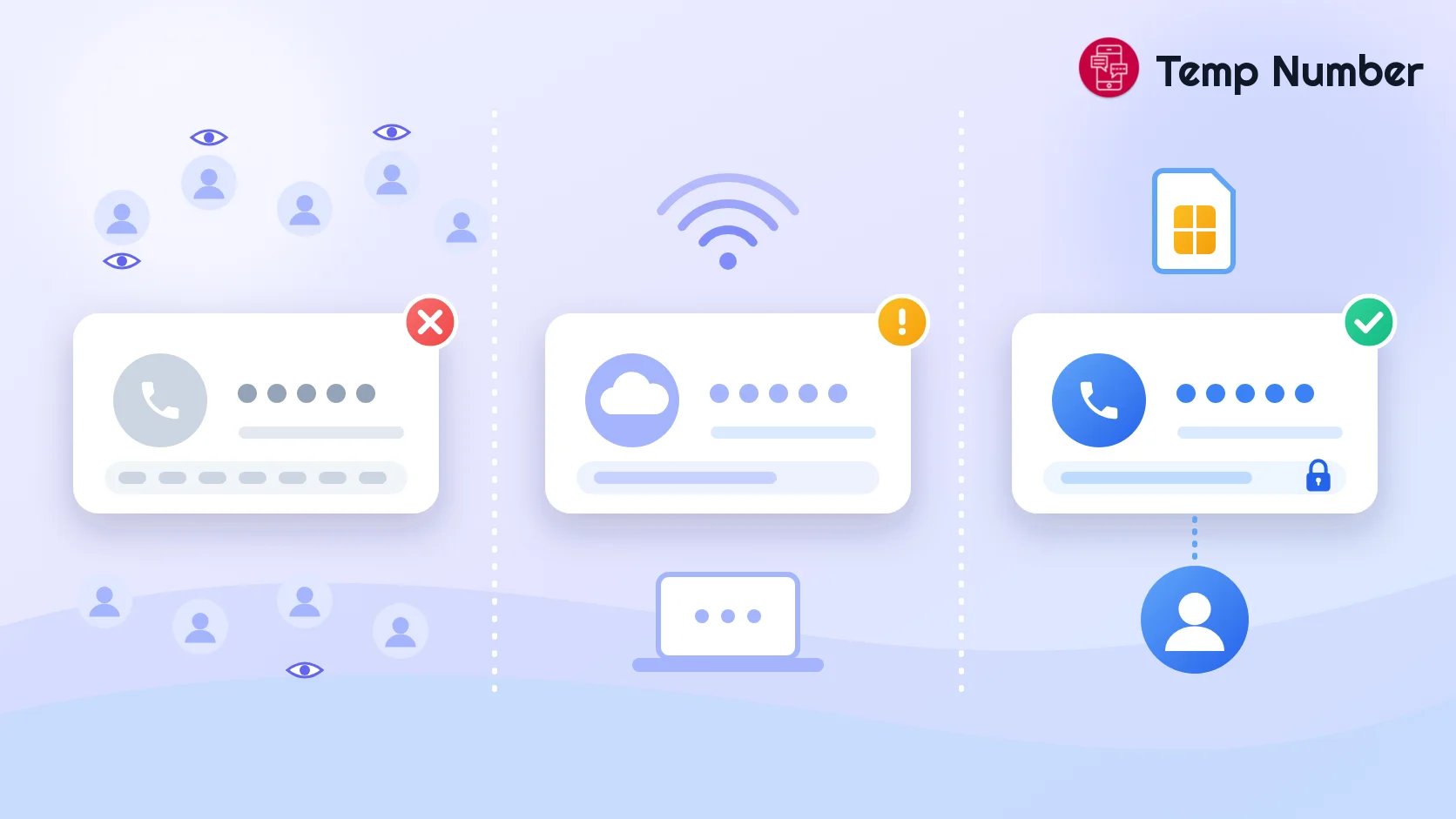
Meta does not publish a list of accepted number types, but the pattern is consistent. Facebook wants a number that looks like a real mobile line, is not already tied to lots of accounts, and can actually receive its text message.
| Number type | Works for Facebook? | Why |
|---|---|---|
| Your personal mobile number | Yes | A real SIM, but now tied to this account and searchable |
| Private one-time verification number | Usually | A mobile-type number used by one buyer for one code |
| Rented private number | Usually | Same as above, but it stays yours for weeks or months |
| Free public temporary number | Rarely | Shared and public, often already linked to accounts or rate limited |
| VoIP or app number (Google Voice, TextNow and similar) | Often refused | Carrier lookups flag it as VoIP, and codes may never arrive |
| Landline | No | Cannot receive SMS codes |
| Made-up or "fake" number | No | Nobody receives the code, so the account can never be confirmed |
Two more rules trip people up. A number that is already confirmed on other accounts is often refused, and asking for too many codes in a short time gets that number, or your attempts, paused for a while. Free public numbers fail on both counts: hundreds of people see the same number, many of them try it on Facebook, and the number is flagged long before you get to it. For the technical side of why apps can tell VoIP numbers apart, read what is a VoIP number and why do some apps block it.
How to verify Facebook with a temporary number, step by step
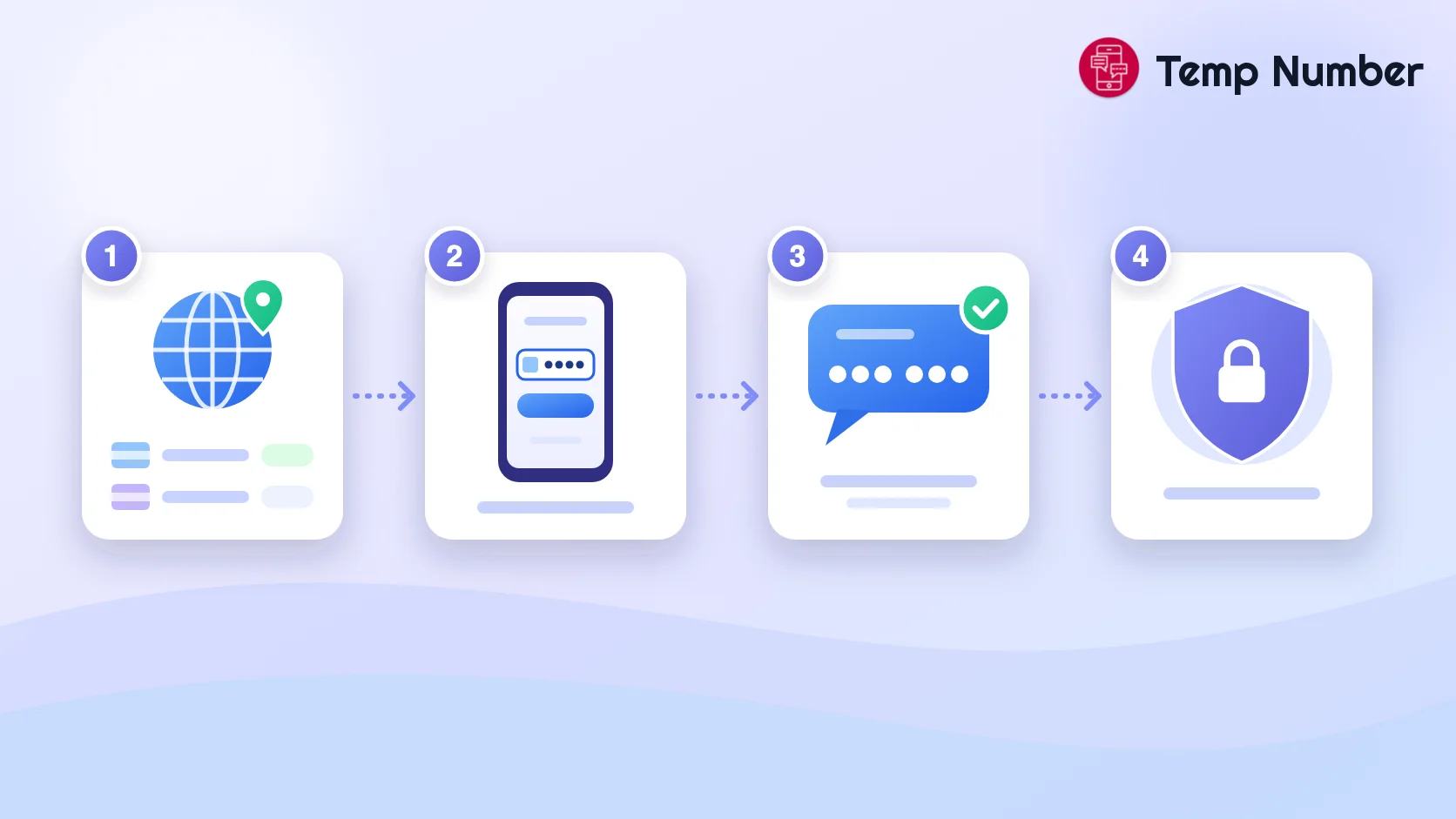
Here is the process with a private one-time number from our Facebook verification page. A rented number works the same way, just without the time limit.
Create a free account and top up your wallet. Top-ups start at $10, which covers many verifications.
Pick a country. Facebook numbers start at $0.20 in most of the 200+ countries listed. Check the "Best countries" list, which ranks countries by real success over the last 30 days. When we wrote this guide in October 2026, the US VIP pool and Thailand led with around 60% success.
Get your number. The price is held in your wallet rather than charged, and a number assigned only to you appears in your dashboard.
Enter it on Facebook. Type the number with its country code, exactly as shown, into the sign-up form or the "confirm your mobile number" screen, then ask Facebook to send the code.
Copy the code. The SMS appears in your dashboard, usually within a minute or two. Type it into Facebook. If nothing arrives, cancel the number: the hold goes back to your wallet and you can try another country.
Secure the account before you leave. Add your own email, switch on two-factor authentication and save your recovery codes. The details are in the security section below.
The same flow works for most apps. If you are new to SMS verification in general, our guide on how to generate a temporary phone number for SMS verification covers the basics.
One-time, rented or free: which number should you use?
The right option depends on how long you need the account and how bad it would be to lose it.
| Option | Cost | Who sees the code | Best for | Watch out for |
|---|---|---|---|---|
| Free public number | Free | Anyone | A quick test of a throwaway account | Usually already used or blocked; your code is public |
| One-time Facebook number | From $0.20, only if a code arrives | Only you | A single sign-up or security check | Yours for one verification, about 20 minutes |
| Rented private number | From $11.99 a week or $13.99 a month (US, October 2026) | Only you | Accounts you will use for months and verify again | An ongoing cost; rentals cover fewer countries |
A simple rule: if you would be upset to lose the account, do not depend on a number you will lose. Either rent the number, or set up email and two-factor authentication so the number stops mattering. We go deeper into that trade-off in why buy a private number.
Facebook confirmation code not arriving? Fixes that work
The code never arrives
Check the country code first. A missing or doubled country code is the most common reason a code goes nowhere.
Wait for the resend timer. Asking for codes over and over can make Facebook pause verification for that number.
Switch country or number. Some routes deliver faster than others. With a one-time number you are not charged when no code arrives, so moving on costs nothing.
Facebook says the number cannot be used
This usually means the number is flagged as VoIP, or it is already attached to other accounts. Do not keep retrying the same one. Cancel it and use a different private, mobile-type number.
Facebook says you have tried too many times
Facebook rate limits verification attempts. Stop, wait a few hours or until the next day, then try once more from the same device and network. Rapidly switching numbers on a brand-new account looks like automation and can make things worse.
Facebook asks you to verify again weeks later
This is the real risk with one-time numbers. If a later security check sends a code to a number you no longer have, you cannot receive it. The fix is to give Facebook other ways to confirm it is you before you need them: a confirmed email address, an authenticator app and recovery codes. Or rent a number for any account you plan to keep.
How to keep your Facebook account safe after verifying
Phone numbers get recycled. Once a temporary number is released, someone else may eventually receive the texts sent to it, including a Facebook password reset code if that number is still on your account. Close that door as soon as you are in:
Add and confirm an email address you control. It becomes your main recovery route.
Turn on two-factor authentication with an authentication app or a security key. You will find it in Accounts Center under Password and security. Do not choose text messages to a temporary number as your second step.
Add a passkey. Meta began rolling out passkeys for Facebook on iOS and Android in June 2025. You set them up in Accounts Center, and they cannot be phished like a password or SMS code.
Save your recovery codes somewhere offline, such as a password manager or a printed copy.
Remove the temporary number from Accounts Center, under Personal details and then Contact info, once your email and two-factor authentication are working.
Limit phone lookups. In your settings for how people find and contact you, restrict who can look you up by phone number.
Is it allowed to use a temporary number on Facebook?
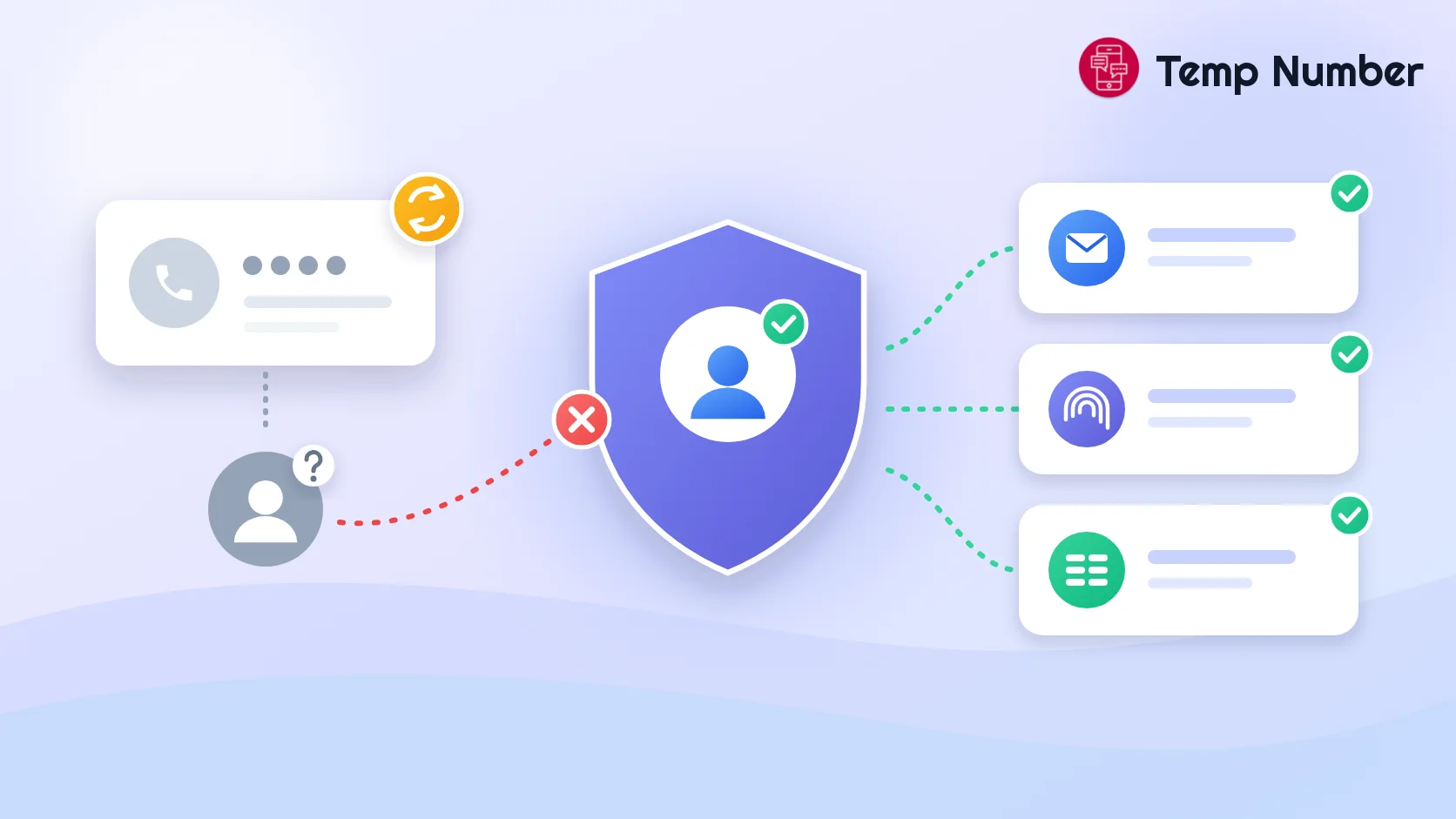
Facebook's terms are about who you are, not which SIM card you use. They ask you to use the name you use in everyday life, create only one account of your own, and not open a new account after Facebook has disabled one. Verifying with a separate number does not change any of that, so keep to those rules and a temporary number is simply a privacy choice.
If what you really want is a separate identity for a hobby or for work, you may not need a second account at all. Since 2023, Facebook has let eligible adult accounts add up to four extra profiles, each with its own feed and privacy settings, and your main profile does not show that the others exist. Some features, such as Marketplace and Dating, were not available on extra profiles at launch, so check before you rely on one.
What you should never do is use temporary numbers to run fake accounts, spam, impersonate someone or get around a ban. That breaks Facebook's rules, and those accounts tend to get disabled whatever number they use.
Need numbers for other apps too? See our guides to a virtual number for WhatsApp, a temporary number for Telegram and a free burner phone number, or browse every service we support.
Frequently asked questions
Can I use a temporary phone number for Facebook verification?
Yes, as long as Facebook sees it as a valid mobile number that is not already overused. Free public numbers often fail for that reason. A private one-time or rented number has a much better chance, and the code stays private to you.
Can I use a fake phone number for Facebook?
No. A made-up number cannot receive the SMS code, so the account cannot be confirmed. You need a real number that can receive texts. It just does not have to be your personal one.
Why is Facebook not sending me a confirmation code?
The usual causes are a wrong country code, a number flagged as VoIP or already in use, or too many code requests in a short time. Fix the format, wait for the resend timer, then try a different private number if the code still does not arrive.
Does Facebook accept Google Voice or other VoIP numbers?
Sometimes, but not reliably. VoIP and app-based numbers are easy to spot through carrier lookups and are often refused or never receive the code. A mobile-type number is the safer bet.
Can I use the same phone number on two Facebook accounts?
Not reliably. Facebook generally expects one number per account and may refuse a number that is already confirmed elsewhere or move it to the new account. If you just want two identities, Facebook's additional profiles feature is the supported way to do it.
What happens if I lose access to the temporary number?
Nothing, as long as the account has a confirmed email, two-factor authentication through an app or passkey, and saved recovery codes. If the temporary number is your only way back in, you may be locked out, which is why you should set those up right after verifying.
Should I remove the temporary number after verifying?
Yes, once your email and two-factor authentication work. A number you no longer control should not be able to receive password reset codes for your account.
Get your Facebook number now
Your personal number does not need to live on every profile, Page and side account you run. Try the free numbers receiving Facebook codes for a quick test, grab a private one-time Facebook number from $0.20 for a single sign-up, or rent a private non-VoIP number for an account you plan to keep. Whichever you choose, add your own email and two-factor authentication before you log out.