You are setting up a second Gmail address, a YouTube channel for a side project, or a test account for an Android app. Then Google stops you and asks for a phone number. You type in your own, and either Google says the number has been used too many times, or you realise your personal SIM is about to be tied to yet another account.
A temporary phone number for Google can get you through that check without using your real number. It does not always work, though, and Google has been changing how verification works. This guide explains what Google actually checks, how to verify step by step, what to do when you see "This phone number cannot be used for verification", and how to keep the account safe once the number is gone.
Key takeaways
Google lists a phone number as optional when you create an account, but it can still require one before you finish signing up.
Google limits how many accounts one number can create. That limit is the main reason shared numbers fail.
Free public numbers are often used up. A private one-time number has a better chance and keeps the code out of a public inbox, but Google refuses many virtual numbers, so expect to try more than one.
If Google asks you to scan a QR code and send a text from your phone, a receive-only number cannot complete that step.
Never leave a temporary number as your recovery phone. Add your own recovery email and a passkey before you finish.
Does Google need a phone number?
Not always. Google's account creation guide describes adding and verifying a phone number as an optional part of setup. In practice, many people still reach a screen that will not let them continue without one.
Google says that phone verification is sometimes required before you create an account or sign in, as a way to confirm you are a real person and to keep spammers out. Google does not publish exactly what triggers the check, so two people signing up on the same day can see different screens.
One Google Account covers Gmail, YouTube, Drive and the Play Store, so you only verify once for all of them. That is also why the choice of number matters: this one check sits in front of everything in the account.
Which phone numbers work for Google verification
Google does not publish a list of accepted number types. Its help page does not mention VoIP at all, but third-party guides and user reports consistently say internet-based numbers are refused more often. This is what you can realistically expect:
| Number type | Works for Google? | Why |
|---|---|---|
| Your personal mobile number | Usually | Until you reach the limit on accounts per number - and it is now tied to this account |
| Private one-time number | Sometimes | Goes to one buyer at a time, but acceptance varies widely by country and range |
| Free public number | Rarely | Shared by many people, so it hits Google's limit quickly |
| VoIP or app-based number | Often refused | Reported to be rejected frequently - see why some apps block VoIP numbers |
| Landline | Voice call only | Cannot receive a text. Google's call option can use a home number |
Why shared numbers run out so fast
Google limits how many accounts one phone number can create. It does not say what the limit is. A public number on a free website is visible to everyone who opens the page, and many of them try it on Google, so it can reach that limit long before you find it.
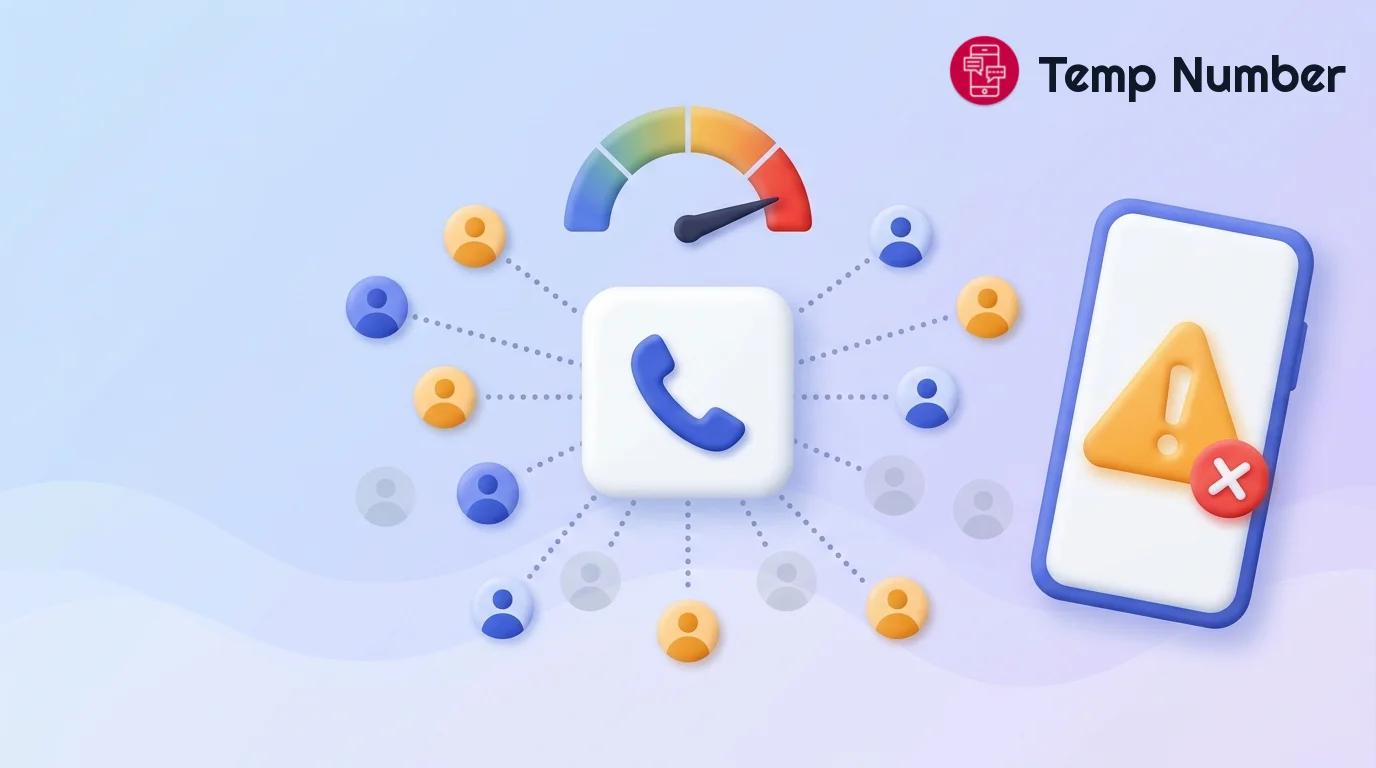
Free vs private temporary numbers for Google
| Free public number | Private one-time number | |
|---|---|---|
| Cost | Free | From $0.20 at the time of writing, with wallet top-ups from $10 - see live prices |
| Who can read the code | Anyone viewing the inbox | Only you, in your dashboard |
| If no code arrives | You just try another number | The hold returns to your wallet, so there is no charge |
| Chance Google accepts it | Low | Better, but varies by country |
| Good for | A quick test where failure does not matter | An account you actually intend to use |
Treat a free number as a test, and never for an account you would miss. A verification code in a public inbox can be read by anyone looking at that page at the same moment. For more on the trade-off, see why buy a private number. If you will need more codes from the same number later, a one-time number will not do that, so rent a number instead.
How to verify a Google account with a temporary number
Start the sign-up first. Go through Google's account creation screens until you reach the phone step, so the number's timer is not running while you choose a username.
Pick a country. Open the Google number list, which shows the current price, stock and recent success rate for each country. Where a success rate is shown, it is a better guide than price alone, because results differ a lot between countries.
Get the number and keep your dashboard open. A one-time number stays reserved for up to about 20 minutes, so finish the sign-up in one session.
Enter it in Google with the right country code. Select the country in Google's dropdown, then type the number.
Request the code once. Codes usually arrive within a minute or two. Google notes texts can be delayed in busy areas or when a carrier has problems, so give it a few minutes. If Google refuses the number or nothing arrives, cancel and try another country - it can take more than one attempt.
Type the digits only. Google's text usually reads like G-123456. The G- is a label, so enter just the six digits.
Skip the number as recovery info. Google may offer to use it for recovery or other services. Decline, and add your own recovery email instead.
Secure the account straight away. The section below explains how, and why it matters.
New to receiving codes online? Start with our guide to using a temporary number for SMS verification.
"This phone number cannot be used for verification": how to fix it
This is the error most people search for. Google's own answer is short: use a different number. Retrying the same one will not help, and a brand-new SIM can occasionally be refused too, so the error does not always mean you did something wrong.
| What you see | Likely cause | What to do |
|---|---|---|
| "This phone number cannot be used for verification" | The number has hit Google's limit, or its range is refused | Cancel it and try a number from another country or carrier |
| "This phone number has been used too many times" | Too many verifications on this number | Stop retrying and switch numbers |
| No code arrives | Delivery delay, or the sender is not reaching that number | Wait a few minutes, then cancel. On Temp Number, you are not charged if no code arrives |
| "Invalid" number | Wrong country code or format | Check the dropdown matches the number's country |
| A QR code instead of a text | Google's newer phone check | See the next section |
The QR code check most guides still miss
In February 2025, Google said it wanted to move away from SMS codes when creating Gmail accounts, replacing them with a QR code you scan with your phone. Since then, users have reported a flow where scanning the code prompts your phone to send a text to Google, rather than receiving one.
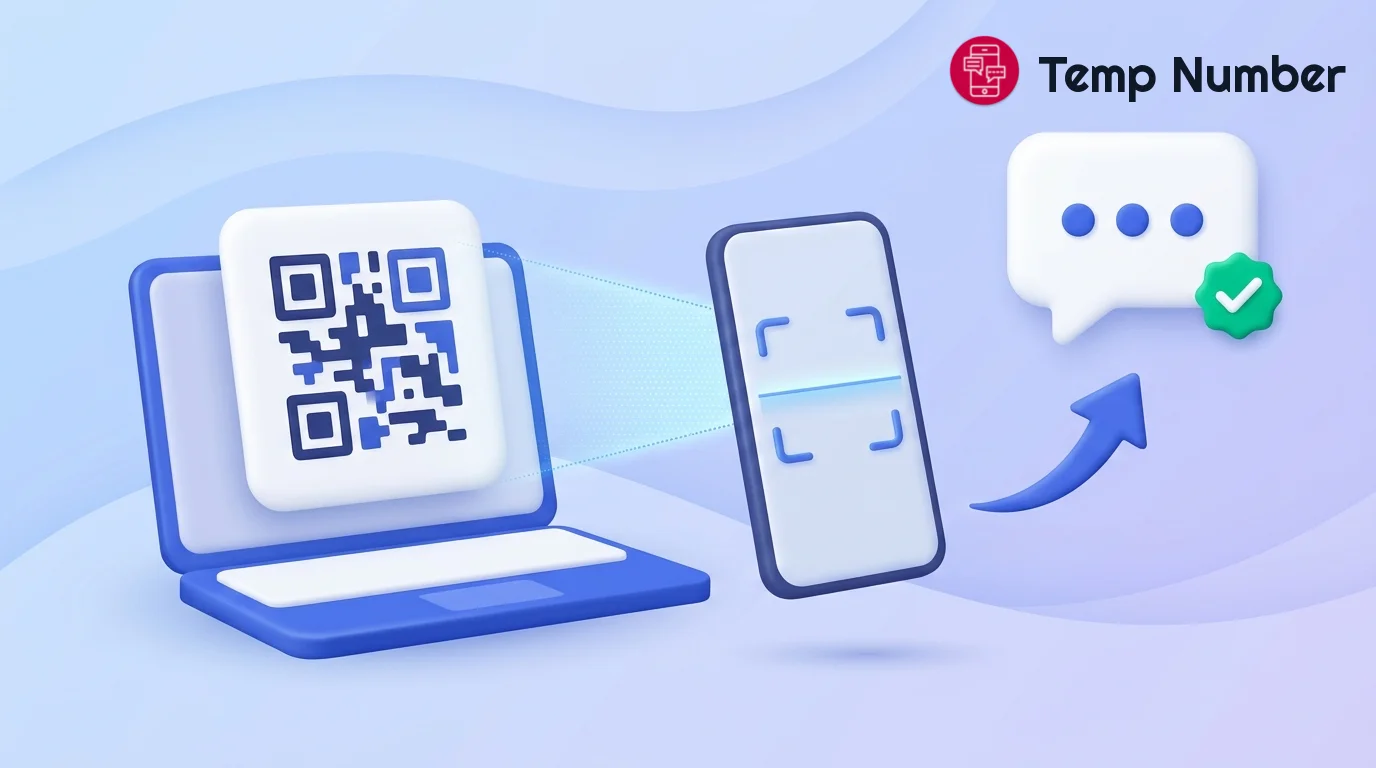
This matters because it changes the direction of the message. A temporary number can receive a code, but it cannot send a text from your handset on your behalf. If Google shows you this screen, a virtual number will not complete it. Going by those reports, the phone that scans the code is the one that sends the text, so its number is the one Google sees.
The flow does not seem to appear for everyone. Users report seeing it on some attempts and a normal text code on others, and they suspect it depends on how risky Google judges the sign-up to be. Google has not published the rules, so treat that as user experience rather than fact. If it shows up, you can try again later from your usual device, or check whether the account really needs to be separate from one you already have.
The risk most guides skip: your number can reset your password
Passing the check is the easy part. Keeping the account is where temporary numbers cause real trouble.
Google says a phone number on your account can be used to sign in in some places and to recover the account, for example by texting a code to reset your password. A one-time number moves on after your verification. If it stays on your account as a recovery phone, you lose your way back in, and whoever holds that number later could receive codes meant for you.
Lock the account down before you close the tab
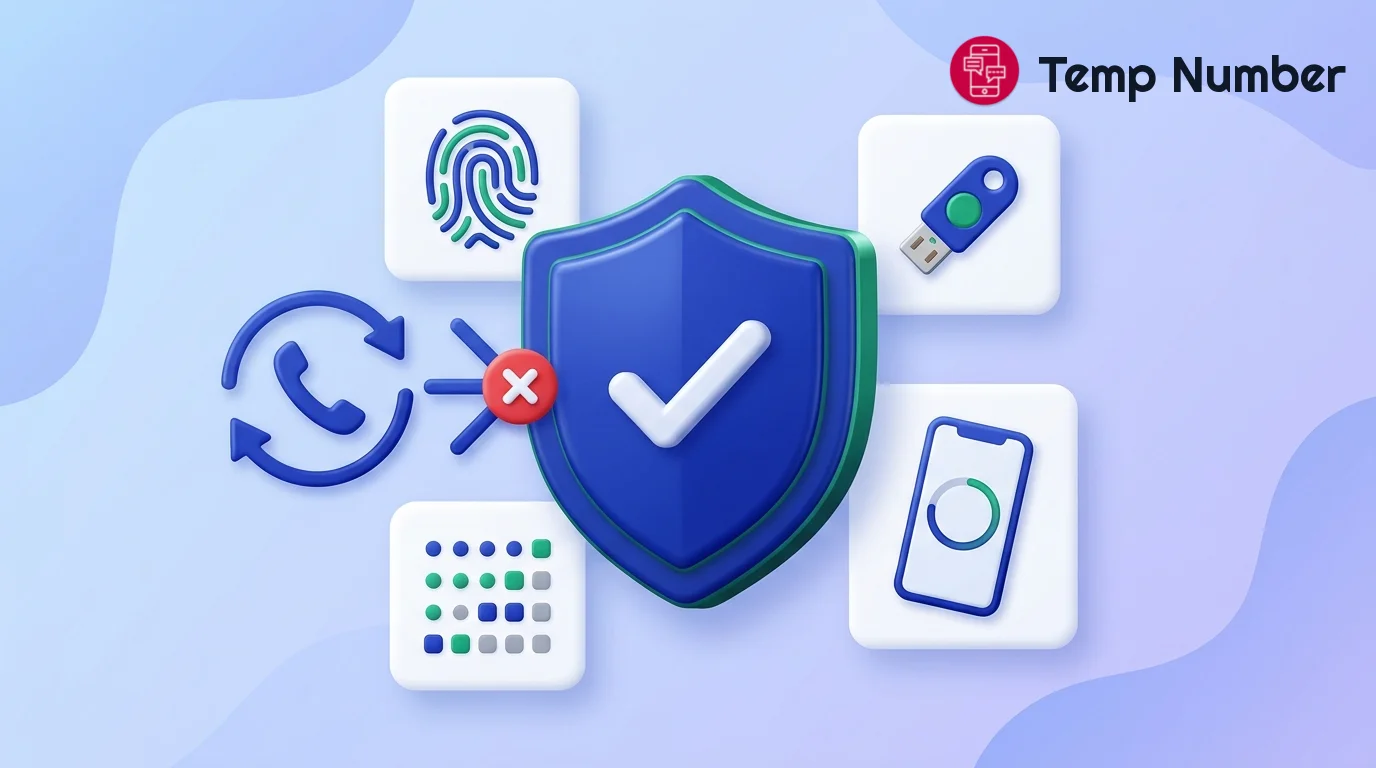
Add a recovery email you control. Use a permanent address, not a temp mail inbox, which you will lose access to.
Create a passkey. Google's 2-Step Verification options include passkeys and security keys, which it says protect against phishing.
Add a second method that is not a phone number. Use Google prompts or an authenticator app. Google warns that text and call codes can be vulnerable to phone number-based hacks.
Save your backup codes. They get you in if you lose your device. Store them in a password manager or print them.
Do not use the temporary number for 2-Step Verification. It will be gone when you need it.
How to remove a phone number from a Google account
Go to myaccount.google.com, open Personal info, then Phone. Select the number, choose Delete, then Remove number. Google notes this may not change every service, so also check the number is not listed under 2-Step Verification in Security.
One timing detail is easy to miss. Google says a newly added number may take up to a week before it can verify sensitive actions such as changing your password. If you are moving a real number onto the account, do it early rather than the day you need it.
Using a temporary number on Google responsibly
A separate number is a reasonable way to keep your personal SIM off a work inbox, a test account or a channel you run separately. It is not a way around Google's rules. Creating accounts in bulk, trying to get around a suspension or sending spam goes against Google's rules and can get the account closed. Use it for your own accounts only.
Using the same approach elsewhere? See our guides to a virtual number for WhatsApp, a temporary number for Telegram, a temporary phone number for Discord, a temporary phone number for Facebook and a free burner phone number.
Frequently asked questions
Can I use a temporary phone number for Google?
Yes, if Google accepts that number when you try it. Free public numbers often fail because they have reached Google's limit. A private one-time number has a better chance, though Google still refuses many of them, results vary by country, and it will not work if Google asks for the QR check.
Can I create a Gmail account without a phone number?
Sometimes. Google lists the phone number as optional, and some people are never asked. If Google requires one on your sign-up, you cannot skip that screen. You can, however, create a Google Account with an existing non-Gmail address instead of a new Gmail one.
Why does Google say my number cannot be used for verification?
Usually because the number has reached Google's limit on accounts, or Google is refusing that number or range. Google's advice is to use a different number, such as one from another carrier.
How many Google accounts can I make with one phone number?
Google limits it but does not publish the number, and it may not be the same for everyone. When you see the "used too many times" message, that number has reached its limit for now.
Can I get a second code from the same temporary number later?
Not with a one-time number, which is reserved only for one verification. If you expect to need the number again, rent one. Better still, add a passkey and recovery email so you do not depend on a text at all.
Will Google ask me to verify the number again later?
It can. Google may ask for extra verification when a sign-in looks unusual, for example from a new device. If your account has a passkey, prompts and a recovery email, you have ways through that do not rely on the old number.
Does one verification cover Gmail and YouTube?
Yes. Gmail, YouTube, Drive and the Play Store all use the same Google Account, so one successful verification covers them all.
Get your Google number
Your personal number does not have to be attached to every account you open. Try the free numbers receiving Google codes for a quick test, or get a private Google verification number for an account you plan to keep. You only pay if the code arrives. Then add a passkey and a recovery email before you do anything else.