WhatsApp has more than two billion users, and every one of them signed up the same way: by handing over a phone number. That number is not just a login. It is what shows up when you message a stranger, what every member of a big group can read, and what a marketplace buyer keeps long after the sale is done.
It does not have to be your number. This guide covers what WhatsApp actually does with your phone number in 2026, what the new usernames change (and what they do not), how to set up WhatsApp with a virtual number step by step, and the one mistake that lets somebody else walk into an account registered on a shared number.
Key takeaways
WhatsApp still needs a phone number that can receive an SMS or a voice call. It does not need to be the SIM in your pocket.
Usernames, rolling out through 2026, hide your number from people contacting you for the first time - but you still register with a number.
Free temporary numbers are public. They are fine for a test account, not for a WhatsApp you intend to keep.
Whichever number you use, set a two-step verification PIN immediately. It is what stops a recycled number from being re-registered by someone else.
Do you need a phone number for WhatsApp?
Yes. There is no email-only or username-only sign-up. When you install WhatsApp it asks for a number, then confirms you control it by sending a six-digit code by SMS, or by phoning the number and reading the code out. Enter the code and the account is tied to that number.
What WhatsApp does not check is whether the number is your main personal line. A second SIM, a virtual number, or a landline that can take the verification call can all work. That is the whole opening this guide uses.
Once you are in, you can add an email address and a passkey so that future logins on your own devices do not depend on receiving an SMS. That matters a great deal if the number you signed up with is temporary - more on that below.
Does WhatsApp show your phone number to other people?
Mostly, yes - and more widely than people expect. Your privacy settings control your profile photo, "About" text and last seen, but until recently there was no setting that hid the number itself.
| Where you appear | Who can see your number |
|---|---|
| One-to-one chats | The person you message, whether or not they have saved you |
| Regular groups | Every member of the group, including people you have never met |
| Communities | Admins, plus members of the same groups as you - hidden from the rest of the community |
| Channels you follow | Nobody - followers' numbers are hidden from admins and other followers |
| Chats started via your username | Hidden, if you have turned usernames on |
That group row is the one that catches people out. Join a neighbourhood group, a school parents' chat or a buy-and-sell group with a few hundred members and your personal number is now sitting on a few hundred phones.
What WhatsApp usernames change in 2026
Meta opened username reservations at the end of June 2026 and is switching the feature on country by country through the rest of the year. Once yours is active, people who message you for the first time see your @username instead of your number, and you can add an optional username key - a short code someone must also know before they can start a chat with you.
Usernames are a genuine privacy upgrade, but they have limits. You still need a phone number to create the account. Anyone who already has your number keeps it. And the feature may not have reached your country yet. A separate number remains the only way to keep your personal SIM out of WhatsApp entirely. You can reserve a username today in Settings > Account > Username.
Your options for a second WhatsApp number
If you want WhatsApp without your real phone number, these are the realistic choices:
| Option | Cost | Who can read the code | Keeps working long term? | Best for |
|---|---|---|---|---|
| Free temporary number | Free | Anyone viewing the public inbox | No - shared and short-lived | Testing, a throwaway account |
| Private rented number | Low monthly price | Only you | Yes, while you keep it | A second WhatsApp you actually use |
| Second physical SIM | Plan or prepaid top-ups | Only you | Yes, until the carrier recycles it | People with a dual-SIM phone |
| Google Voice (US only) | Free | Only you | Usually | US users - if WhatsApp accepts it |
Two notes on that table. Google Voice needs an existing US number to set up, and WhatsApp accepts it for some users and rejects it for others. And WhatsApp is wary of number ranges it identifies as VoIP - we explain why in what is a VoIP number and why some apps block it. A mobile-type virtual number gives you the best chance of a smooth verification.
How to set up WhatsApp with a virtual number (step by step)
The process takes a few minutes. The order of the steps matters more than it looks.
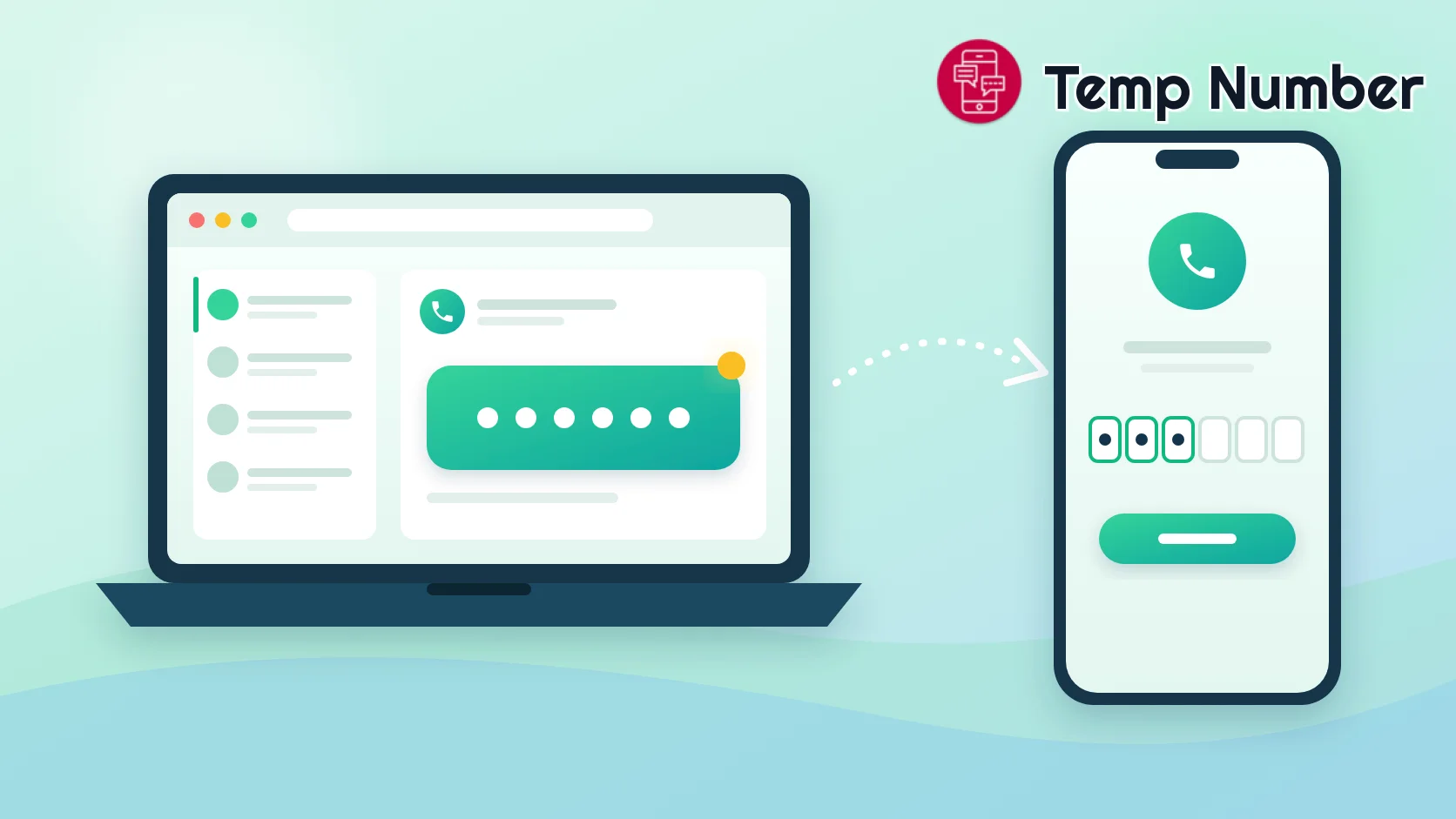
Pick your number first. Open the numbers receiving WhatsApp codes or the full country list. A United States or United Kingdom number is a common choice. For an account you will keep, rent a private number instead.
Open the number's inbox and leave it open. Codes are only valid for a few minutes, so be ready before you ask for one.
Install WhatsApp and enter the number. Choose the matching country from the list, then type the rest of the number without the leading zero or the country code.
Request the code by SMS. If nothing arrives once the countdown finishes, choose the voice-call option only if your number can receive calls.
Refresh the inbox and enter the six-digit code. WhatsApp may auto-fill it on your own number, but here you will type it in by hand.
Set a two-step verification PIN before anything else. Settings > Account > Two-step verification > Turn on. Add an email address when it offers. Do not skip this step - the next section explains why.
New to receiving codes online? Our general guide to using a temporary number for SMS verification covers the basics.
The risk most guides skip: somebody else re-registering the number
WhatsApp treats whoever can receive a code on a number as the owner of that number. That is convenient on your own SIM. On a shared or short-term number it creates two problems.
1. A public inbox is public
On a free temporary number, anyone looking at the inbox at the same moment can see your verification code. In practice codes expire quickly and people are rarely watching, but the principle stands: a free number means a shared inbox.
2. The number outlives your use of it
Free numbers get reused, and rented numbers get reassigned once they lapse. If a stranger later requests a WhatsApp code for that number, WhatsApp will happily send it to them. Without protection they can register the number on their own phone, receive new messages meant for you, and turn up in your group chats under your name.
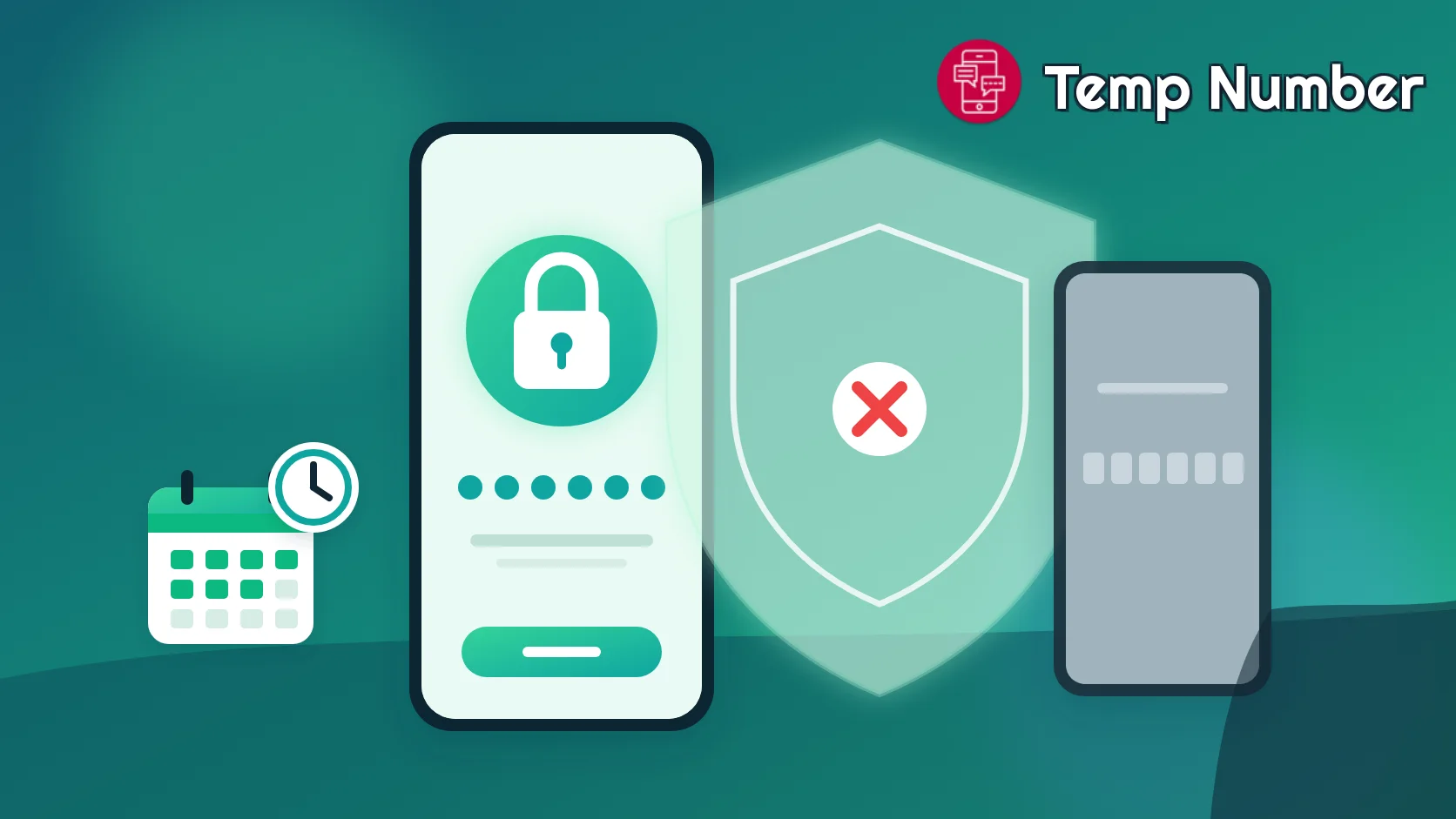
The fix: two-step verification
With a two-step verification PIN set, WhatsApp adds real friction to anyone re-registering your number:
For 7 days after your account was last active, nobody can verify the number without your PIN.
After 7 days, it can be re-verified without the PIN, but all pending messages are deleted rather than handed over.
After 30 days of inactivity, re-verifying without the PIN deletes your account and creates a brand-new one - the newcomer gets a blank account, not yours.
Also keep in mind that WhatsApp deletes accounts that have been inactive for 120 days. An account you plan to keep needs to be used, and it needs a number you can still receive codes on.
Free number or private number?
If losing the account tomorrow would not bother you - testing a WhatsApp integration, a one-off group, a short trip - a free number plus a PIN is enough. If the account will hold real conversations, customers or a second identity you care about, use a private number that only you can read and that stays yours while you keep it. Why buy a private number covers the trade-off, and prices are on the pricing page.
Lock down WhatsApp after you sign up
Five minutes in Settings is worth it, whatever number you registered with:
Two-step verification: set the PIN and add an email so you can reset it.
Passkey: add one under Account if your phone supports it, so logging back in does not rely on SMS.
Privacy > Groups: choose who can add you to groups - "My contacts" stops strangers dropping you into large chats where your number is visible.
Privacy > Profile photo, About, Last seen: limit these to your contacts.
Privacy > Calls > Silence unknown callers: cuts spam calls to the new number.
Security notifications: turn them on so you are told if a contact's security code changes.
A small bonus while you are here: you can message someone on WhatsApp without saving them as a contact. Open wa.me/ followed by their full international number, digits only - for example wa.me/15551234567 - and WhatsApp opens a chat directly.
WhatsApp code not arriving? Fixes that actually work
Check the format. Select the country from the list and drop the leading zero. A wrong country code is the most common reason no SMS ever lands.
Wait for the timer. Requesting again and again triggers "too many attempts" lockouts that can last hours.
Try a fresh number. A free number that has already registered many WhatsApp accounts is often rate-limited or refused. Pick another from the WhatsApp numbers list.
Switch number type or country. If WhatsApp rejects the number outright, it may be flagged as VoIP. A mobile-type number from a different country often goes straight through.
Use a private number for repeat logins. If you will ever need a second code - new phone, reinstall - a shared number may be gone by then.
Using a virtual number on WhatsApp responsibly
A second number is a privacy tool. Using it for spam, bulk messaging, impersonation or to get around a ban breaks WhatsApp's terms, gets the number banned quickly, and makes number ranges harder for everyone else to use. Stick to the official app as well - modified "plus" versions of WhatsApp are a common cause of account bans. On Temp Number, messages in free inboxes are deleted automatically after a short period and no personal data is stored.
If you are building a wider privacy setup, the same approach works for other apps: see our guides to a temporary number for Telegram and a free burner phone number.
Frequently asked questions
Can you use WhatsApp without a phone number?
Not entirely. WhatsApp requires a number that can receive an SMS or call to register. It does not have to be your personal number - a virtual number, second SIM or eligible landline works - and usernames let you avoid sharing whichever number you used.
Does WhatsApp show my phone number to people I message?
Yes, unless you have turned on a username. The person you message sees your number, and so does every member of a regular group you are in. Channels hide it, and communities hide it from members outside your groups.
Can I hide my number on WhatsApp?
Once usernames are available in your country, you can let new contacts reach you by @username without seeing your number. People who already have your number keep it. For full separation, register WhatsApp on a second number from the start.
Can I use a Google Voice number for WhatsApp?
Sometimes. Many US users verify WhatsApp with Google Voice, but WhatsApp rejects some of those numbers. If yours fails, a mobile-type virtual number is the usual fallback.
What happens if my temporary number stops working?
You stay logged in on your current phone, but you will not be able to receive a code if you ever need to log in again. With a two-step verification PIN set, nobody else can take the number over for 7 days, and after 30 days of inactivity a re-registration creates a new account rather than inheriting yours. For a long-term account, use a private number.
Is it legal to use a virtual number for WhatsApp?
In most countries, yes. Using a separate number to protect your privacy is lawful. It becomes a problem when the account is used for fraud, spam or to evade a ban - which also breaks WhatsApp's terms.
Get your WhatsApp number now
Your personal number does not need to be in every group chat you ever join. Browse the numbers receiving WhatsApp codes for a quick free sign-up, or rent a private number for an account you plan to keep - and set that two-step verification PIN before you send your first message.