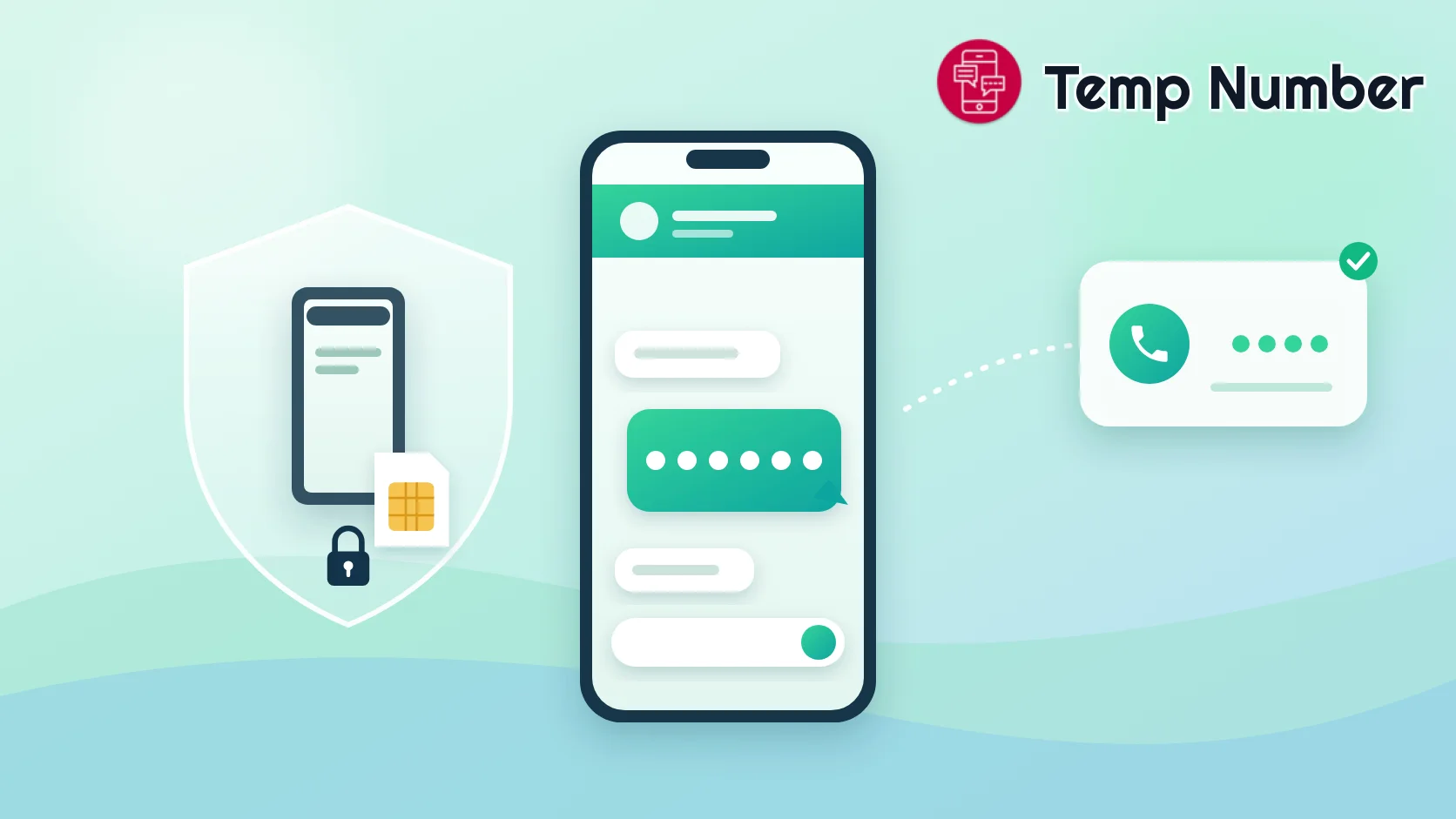
You can make a Discord account with nothing but an email address. Then you try to join a busy server, or send a few messages too quickly, and Discord stops you with a "Verification Required" screen asking for a phone number. For a gaming alt, a community you just want to lurk in, or an account you would rather keep separate from your real life, typing in your personal mobile number feels like a bad trade.
A temporary phone number for Discord gets you past that screen without handing over your SIM. But Discord is stricter about numbers than most apps, and the number you use quietly becomes a way to log in to your account. This guide covers what Discord accepts, how to verify step by step, and how to make sure a number you no longer control can never be used to reset your password.
Key takeaways
Discord only asks for a phone number in certain situations - usually a server with the highest verification level, or activity its safety systems flag.
Discord rejects VoIP, burner and landline numbers, and each number can only be linked to one account at a time.
Free public numbers are usually already used or flagged. A private non-VoIP number is the realistic option for an account you want to keep.
Your phone number can be used to log in and reset your password. Protect the account with a passkey or authenticator app, and never use a temporary number as your SMS backup.
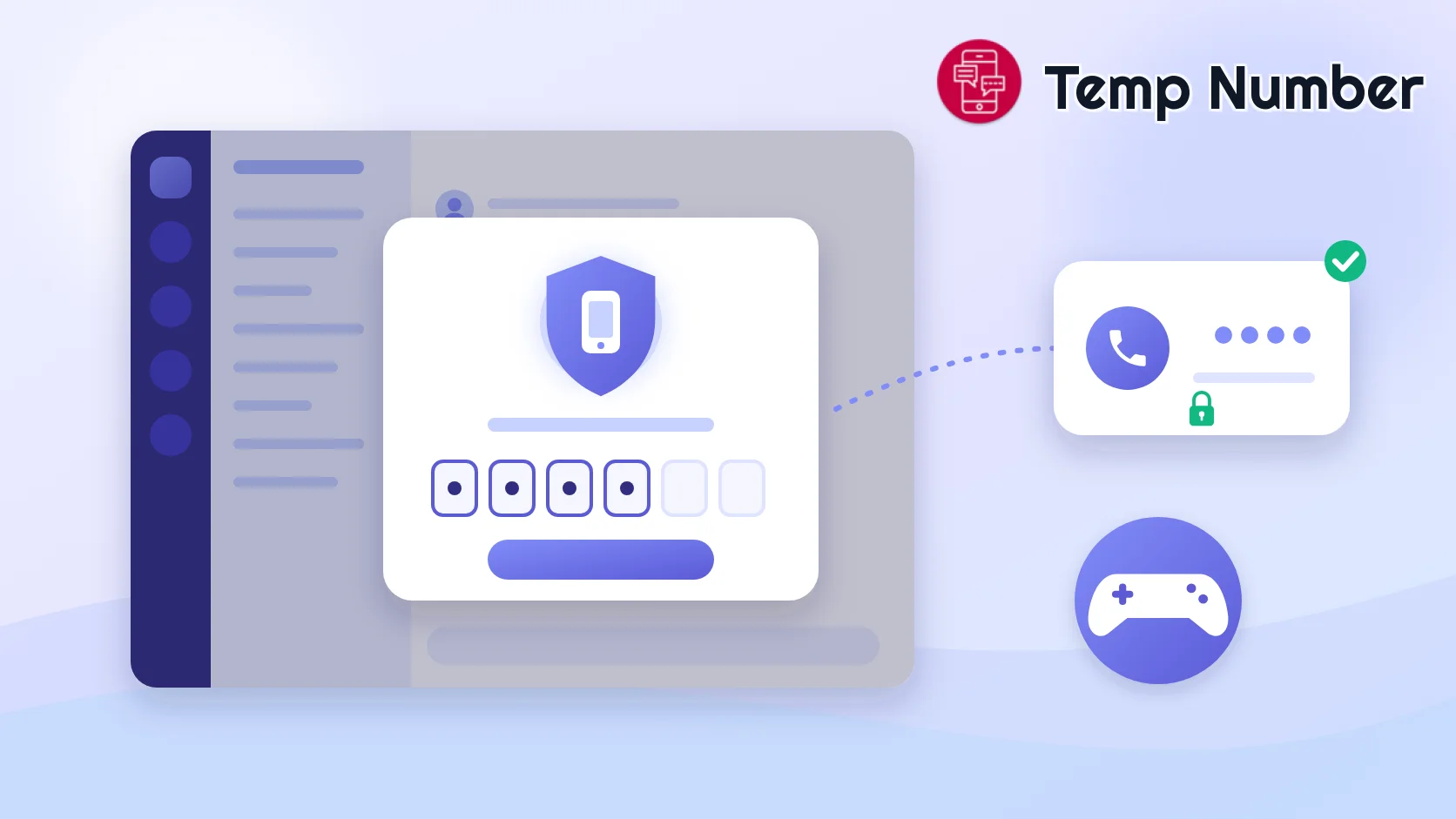
Does Discord need a phone number?
Not to sign up. A Discord account only needs an email address, and plenty of people use Discord for years without ever adding a phone number. The phone number is a safety check that Discord - or an individual server - can put in front of you later.
When Discord asks you to verify a phone number
According to Discord's own help centre, you are most likely to see a phone verification prompt when you:
Join a server that requires it. Server owners choose a verification level. At the highest level, members must have a verified phone number on their account before they can talk.
Join many servers in a short time.
Send direct messages to lots of people who are not your friends.
Post faster than a person normally would.
Use third-party clients or modified versions of Discord.
A useful detail: once your account has a verified phone number, it satisfies every server verification level, including the email and account-age requirements. That is why one successful phone verification tends to make the prompts go away.
Which phone numbers Discord accepts - and which it rejects
This is where most failed attempts come from. Discord's rules are short but strict:
| Number type | Works for Discord? | Why |
|---|---|---|
| Your personal mobile number | Yes | A real mobile line - but now it is tied to this account |
| Private non-VoIP rented number | Usually | A mobile-type number assigned only to you |
| Free public temporary number | Rarely | Shared, heavily reused, and often already linked to another account |
| VoIP number (Google Voice, app-based numbers) | No | Discord does not accept VoIP numbers |
| Landline | No | Discord only accepts numbers tied to a mobile device |
On top of the number type, two rules catch people out. First, one number, one account: a phone number can only be linked to a single Discord account at a time. Second, recently used numbers go into a timeout. If a number was just used for a verification attempt, Discord blocks it for a while - its help centre suggests waiting 24 to 48 hours.
Put those together and you can see why free public numbers struggle with Discord. Hundreds of people see the same number, many of them try it on Discord, and it ends up linked to someone else's account or stuck in a timeout. If you want the background on why apps can tell VoIP numbers apart, read what is a VoIP number and why do some apps block it.
Free vs private temporary numbers for Discord
A free phone number for Discord costs nothing, which makes it tempting. Here is the honest comparison:
| Free public number | Private rented number | |
|---|---|---|
| Cost | Free | Low price - see pricing |
| Who can read the code | Anyone viewing the public inbox | Only you |
| Chance Discord accepts it | Low - often reused or already linked | Much better - dedicated and non-VoIP |
| Safe to leave on the account? | No | While you keep the rental |
| Good for | A quick test where failure does not matter | An alt or second account you plan to use |
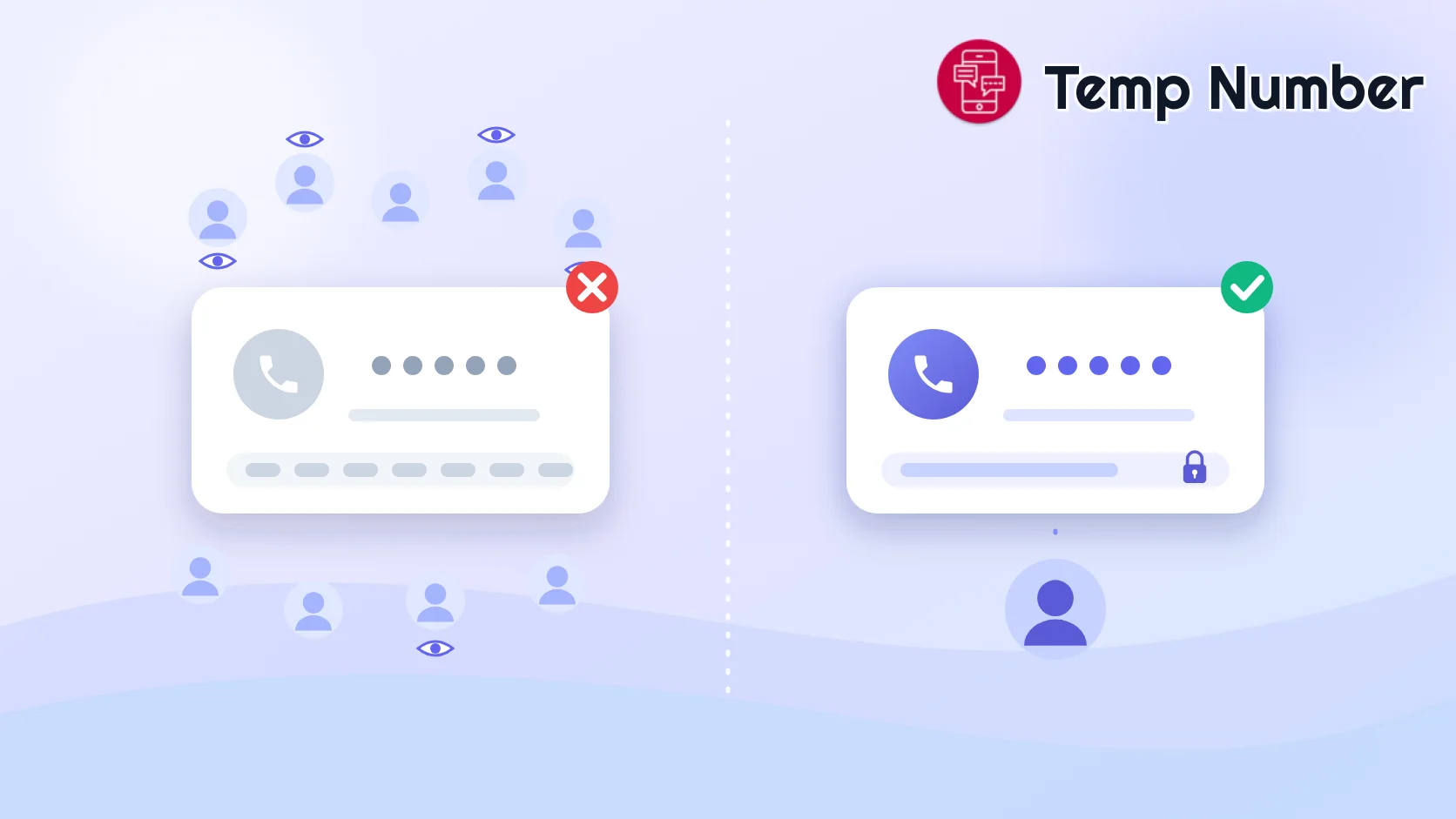
The rule of thumb is simple. If losing the account would not bother you, try a free number from the Discord numbers list - just expect some to fail. If the account matters, a private number saves you the timeouts and keeps the verification code out of a public inbox. Why buy a private number covers the trade-off in more detail.
How to verify Discord with a temporary phone number
Discord phone verification takes about two minutes when the number is right. Follow the steps in this order:
Choose the number before you start. For a free attempt, open the numbers receiving Discord codes. For an account you want to keep, rent a private number. Popular choices include United States and United Kingdom numbers, but any country from the country list can work.
Open the number's inbox and keep it open. Codes arrive within seconds and do not last long.
Start verification in Discord. Either press Start Verification on the "Verification Required" screen, or add the number yourself: on desktop open User Settings > My Account and add a phone number; on mobile tap your avatar, then Settings > Account > Phone.
Pick the right country code and enter the number. Make sure the format matches that country's numbering plan - a wrong country code is the fastest way to get "invalid phone number".
Request the code once. Complete the captcha if Discord shows one, then wait. Pressing resend repeatedly can push the number into a timeout.
Enter the code from the inbox. Discord may ask for your account password to confirm the change.
Secure the account before anything else. The next section explains why this step matters more on Discord than on most apps.
New to receiving codes online? Our guide to using a temporary number for SMS verification covers the basics.
The risk most guides skip: your number is also a login key
On Discord, a verified phone number is not just an anti-spam checkbox. Discord lets you type your phone number instead of your email on the login screen, and its "Forgot your password?" option can send a password reset code to that number by SMS.
How a recycled number can reset your password
Imagine you verified an account with a free public number and moved on. The number is still attached to your account. A week later a stranger picks the same number, enters it on Discord's login page, presses "Forgot your password?" and receives the reset code in the public inbox. Without extra protection, that is enough to change your password and lock you out.
The same applies to a rented number you stop paying for. Once it is reassigned, whoever holds it can receive codes meant for your account. A temporary number is safe to verify with. It is not safe to leave in charge of your account.
The fix: multi-factor authentication that is not SMS
Discord supports three kinds of multi-factor authentication (MFA): passkeys or security keys, an authenticator app, and SMS. With MFA turned on, Discord asks for your MFA code before letting you reset your password - so a stranger with your old number gets stuck at that step.
Add a passkey or an authenticator app. Discord itself recommends passkeys. An authenticator app such as Google Authenticator or your password manager works too.
Save your backup codes. Discord support cannot remove MFA for you, so backup codes are your way back in if you lose your device.
Do not enable SMS authentication on a temporary number. Discord only offers SMS as a backup after an authenticator is set up, and even Discord says it does not recommend it. On a number you do not control long term, it hands your backup login to the next person with that number.
Should you remove the number after verifying?
Often, yes. To remove a phone number from Discord, go to User Settings > My Account, press Remove next to the number and confirm with your password (on mobile: Settings > Account > Phone > Remove Phone Number). If you enabled SMS authentication, turn that off first.
Two things to know before you do. Discord places a waiting period on a removed number before it can be used on an account again. And if you later join a server that requires a verified phone, or trigger another safety check, you will need to verify again. If that sounds likely, keep a private number on the account instead of a free one - and keep MFA on either way.
Lock down your Discord account after verifying
Five minutes in User Settings makes a temporary number far safer:
Verify your email address. Email is Discord's main recovery route, so use an address you will keep.
Turn on MFA with a passkey or authenticator app, and download your backup codes.
Use a unique password stored in a password manager.
Review Authorized Apps and Devices and remove anything you do not recognise.
Check Content & Social privacy settings to control who can DM you and send friend requests.
Leave Find Your Friends off if you do not want the account linked to phone contacts.
Discord phone verification not working? Fixes that actually work
"Invalid phone number". Check the country code and format first. If both are right, the number is probably a VoIP, burner or landline range that Discord refuses. Switch to a mobile-type number.
"This phone number is unable to be associated with this account". The number is already linked to another Discord account. With a shared number, that account belongs to someone else - pick a different number.
"Recently used" or rate limited. The number is in a timeout. Wait 24 to 48 hours, or use a different number rather than retrying.
The code never arrives. Refresh the inbox, check you requested the code only once, then try a fresh number. Heavily used free numbers are the most common cause.
The captcha keeps failing. Try another browser or the official Discord app, and switch off extensions that block scripts.
Using a temporary number on Discord responsibly
A separate number is a reasonable way to keep your personal SIM out of a gaming or community account. It is not a way around Discord's rules. Using temporary numbers to mass-create accounts, evade a ban, raid servers or spam DMs breaks Discord's terms, gets numbers blocked and makes verification harder for everyone. Keep to the official Discord apps too - third-party clients are one of the triggers for verification checks. On Temp Number, messages in free inboxes are deleted automatically after a short period and no personal data is stored.
Using the same approach on other apps? See our guides to a virtual number for WhatsApp, a temporary number for Telegram and a free burner phone number.
Frequently asked questions
Can you use a temp phone number for Discord?
Yes, as long as Discord sees it as a valid mobile number that is not linked to another account. Free public numbers often fail because they are reused. A private non-VoIP number has a much better chance and keeps the code private.
Can you verify Discord without a phone number?
You can create and use a Discord account with just a verified email. But if a server requires a verified phone, or Discord's safety systems ask for one, there is no email-only alternative - you need a mobile number for that check. It just does not have to be your personal one.
Is there a way to bypass Discord phone verification?
Not a legitimate one. Tools that claim to skip it usually rely on third-party clients or stolen accounts, which break Discord's terms and can get your account banned. The practical options are joining servers that do not require a verified phone, slowing down activity that looks automated, or verifying with a separate number.
Why does Discord say my phone number is invalid?
Usually one of three reasons: the country code or format is wrong, the number is a VoIP, burner or landline number, or it is already attached to another Discord account. Fix the format first, then try a different mobile-type number.
Can one phone number be used on two Discord accounts?
No. A number can only be linked to one Discord account at a time. To move it, remove it from the first account - and expect a waiting period before Discord lets you add it again.
Is a burner phone number safe for Discord recovery?
No. A burner or disposable phone number for Discord is fine for passing the check, but anyone who later holds that number could use it to request a password reset. Rely on a verified email, MFA and backup codes for recovery instead.
Get your Discord number now
Your personal number does not need to live on every gaming account and alt you make. Try the numbers currently receiving Discord codes for a quick test, or rent a private non-VoIP number for an account you plan to keep - and switch on MFA before you join your first server.